
MacOS System Usage Guide
MacOS is now supported. You can download the unsigned MacOS dmg installer from this site or from Github.
Installation
Because the installer package is not signed, opening it directly after installation will show a damaged app warning.
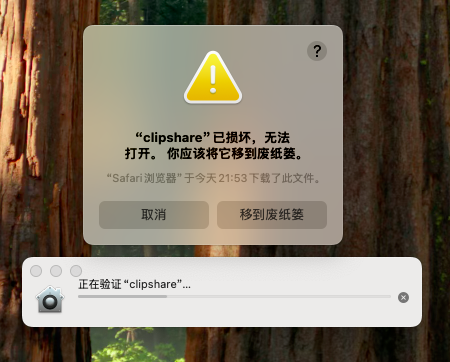
During installation, you need to enable the Allow apps downloaded from anywhere option in MacOS.
The steps below use MacOS 15 as an example:
- The
Anywhereoption is hidden by default in system settings, so first run the following command in Terminal:
shell
sudo spctl --master-disable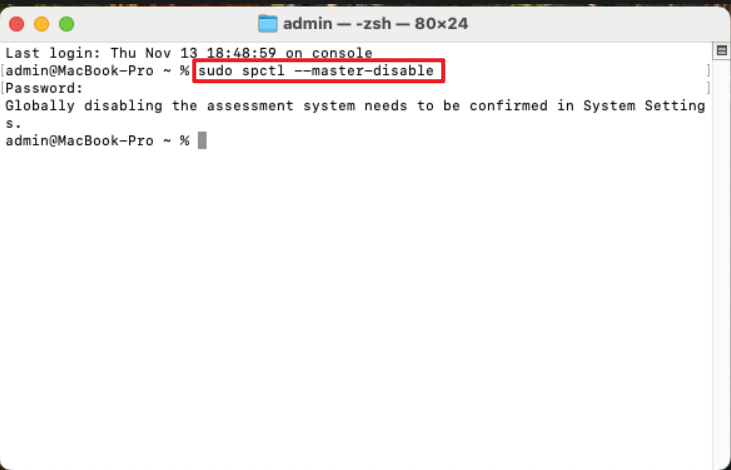
- Then open
Privacy & Securityin System Settings, scroll to the bottom toSecurity, and underAllow applications downloaded from, chooseAnywhere.
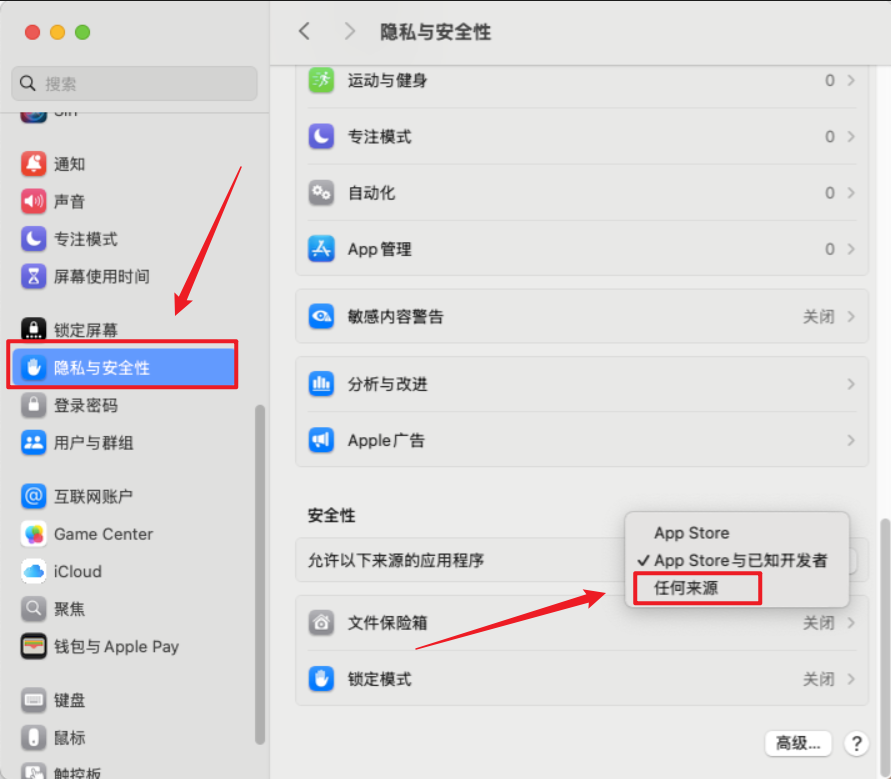
- Then continue in Terminal and remove the quarantine attribute:
shell
sudo xattr -r -d com.apple.quarantine /Applications/clipshare.app- Try opening the app again.